If you are running a small business in 2026, you already know how much you have on your plate. Between managing tasks, communicating with clients, tracking your finances, and trying to market yourself, it can feel like there are never enough hours in the day. That is where the best apps for small business come in. The right tools do not just save time – they can actually help you earn more.
Quick Answer: The best apps for small business in 2026 include Trello and Asana for task management, QuickBooks and Wave for finances, Canva and Mailchimp for marketing, and Slack or Zoom for team communication. Each one targets a specific part of running your business so you can stop juggling and start growing.
In this guide, we cover the top apps across every key category – productivity, communication, accounting, marketing, CRM, and HR – so you can build a toolkit that actually works for you. And at the end, we will show you something that pulls it all together in one place.
Whether you are running your business from a laptop at the kitchen table or managing a small team across different time zones, these tools were built for people like you. Let us get into it.
Why small businesses need the right apps in 2026
Running a small business means wearing a lot of hats. You are the owner, the marketer, the customer service rep, and sometimes the accountant all at once. Without the right tools, it is easy to fall behind, miss important tasks, or waste hours on things that could be automated.
The best apps for small business solve this by handling the routine work for you. They keep your projects organized, your communication clear, and your finances accurate – without requiring a big team or a big budget. Most of them are cloud-based and work right from your phone, which matters a lot when you are building something on the go.
Here is a look at how different app categories compare in terms of the time they save and the impact they have on your daily workflow.
As you can see, the right stack of apps can save you 15 hours or more every single week. That is time you can put back into growing your business – or into the things that matter most to you outside of work.
Productivity and task management apps
Staying on top of your to-do list is one of the biggest challenges for any small business owner. These apps help you organize your work, hit your deadlines, and stop things from falling through the cracks.
Apps for organizing your projects
Trello
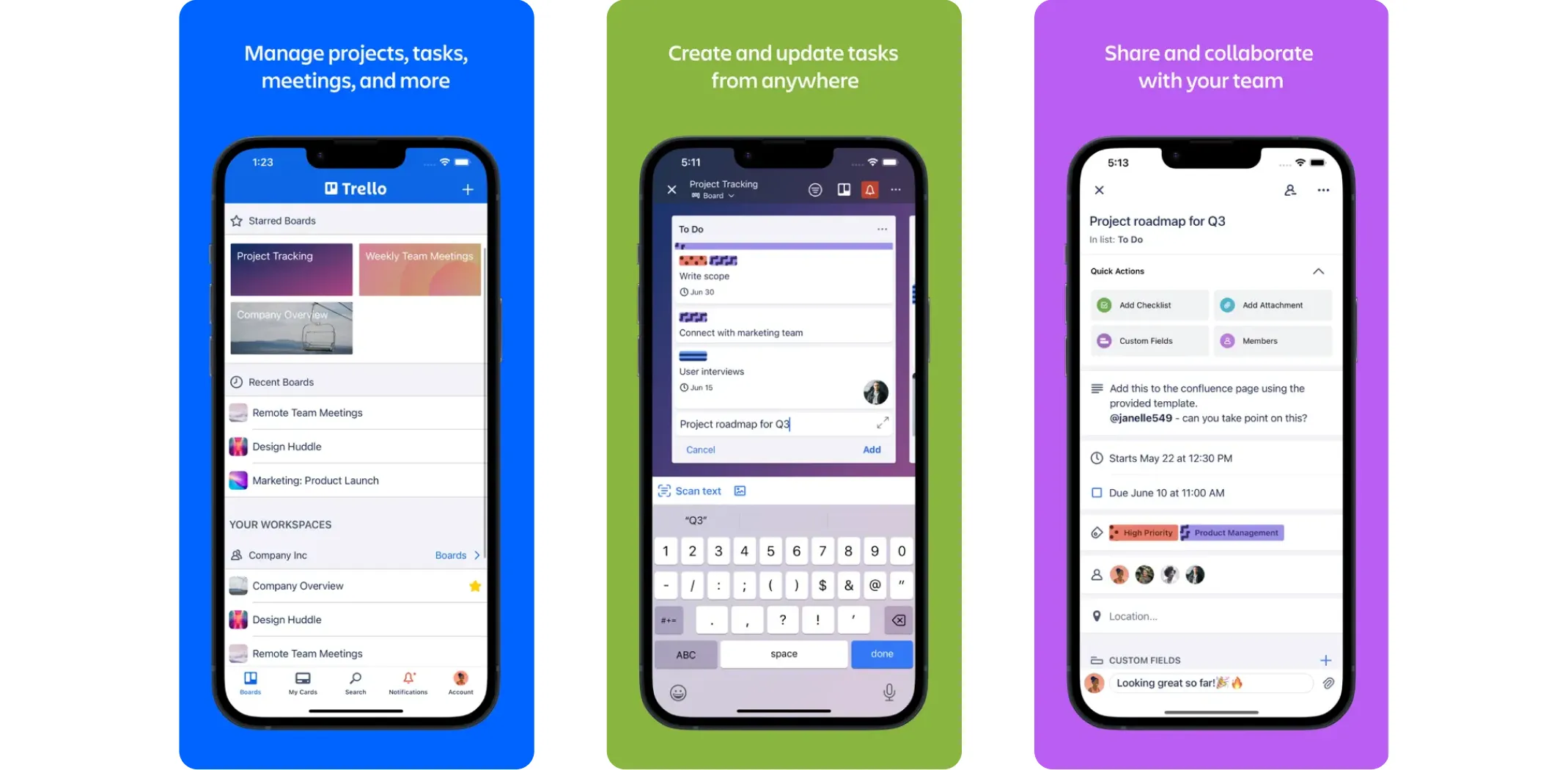
Trello uses boards, lists, and cards to give you a visual overview of everything on your plate. You can assign tasks, set deadlines, attach files, and track progress in real time. If you are someone who thinks in terms of “what needs to happen next,” Trello makes that really easy to see at a glance.
Best for: Visual thinkers, freelancers, and small teams who want simple project tracking.
Earning potential: Free plan available; paid plans start at $5/month per user.
- Pros: Intuitive drag-and-drop interface, easy to learn, connects with apps like Slack and Google Drive
- Cons: No built-in timeline view or workload tracking on basic plans
Asana
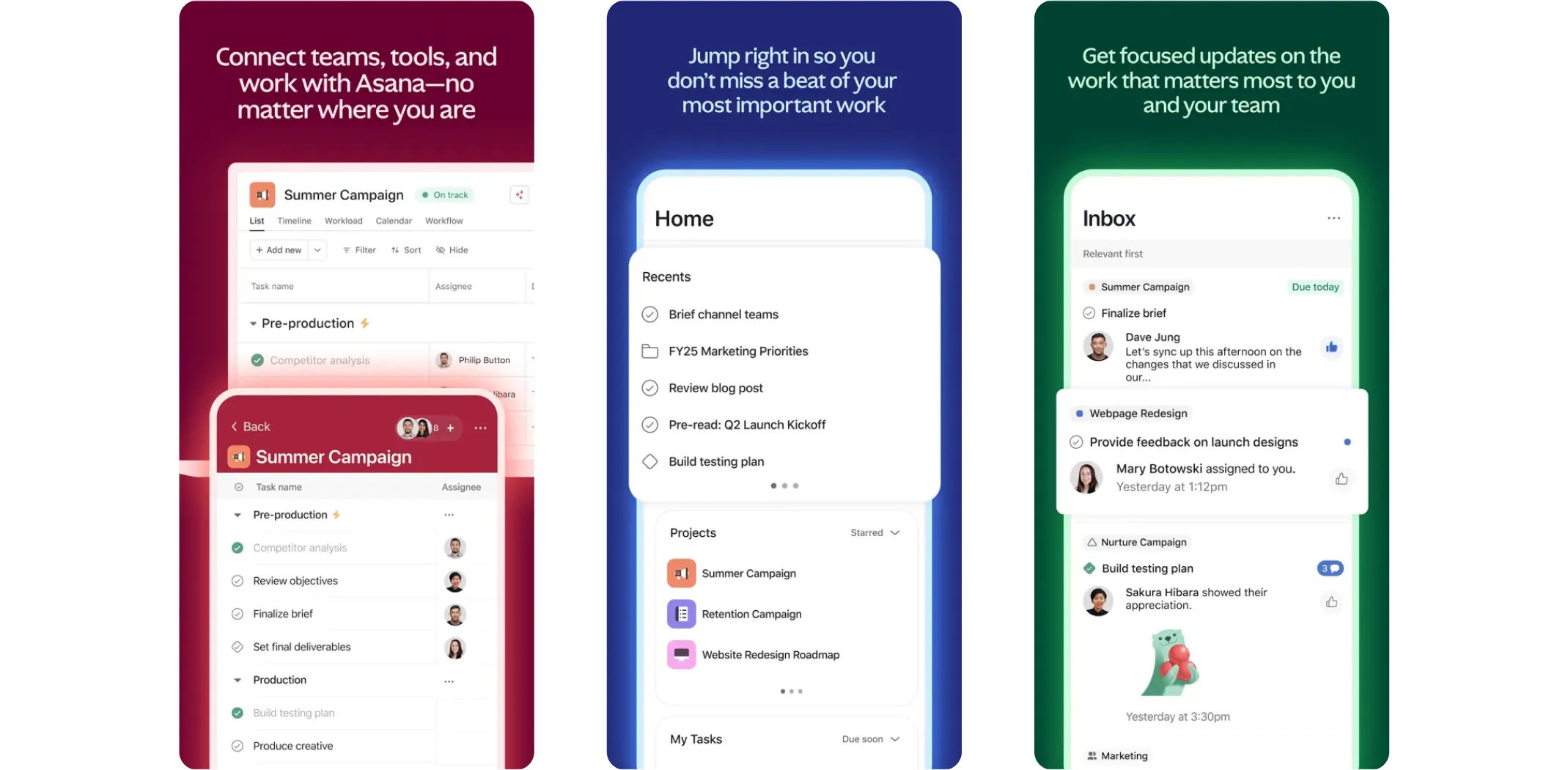
Asana is a step up from Trello in terms of depth. It is designed for teams that need more detailed task tracking – think priorities, dependencies, timelines, and automation. If you are managing multiple projects at once, Asana keeps everything in one clean view.
Best for: Small teams juggling multiple projects with overlapping deadlines.
Earning potential: Free for up to 15 users; paid plans from $10.99/month per user.
- Pros: Powerful task tracking, multiple project views, built-in automation
- Cons: Can feel complex to navigate when projects get very large
Apps for notes and daily task lists
Notion
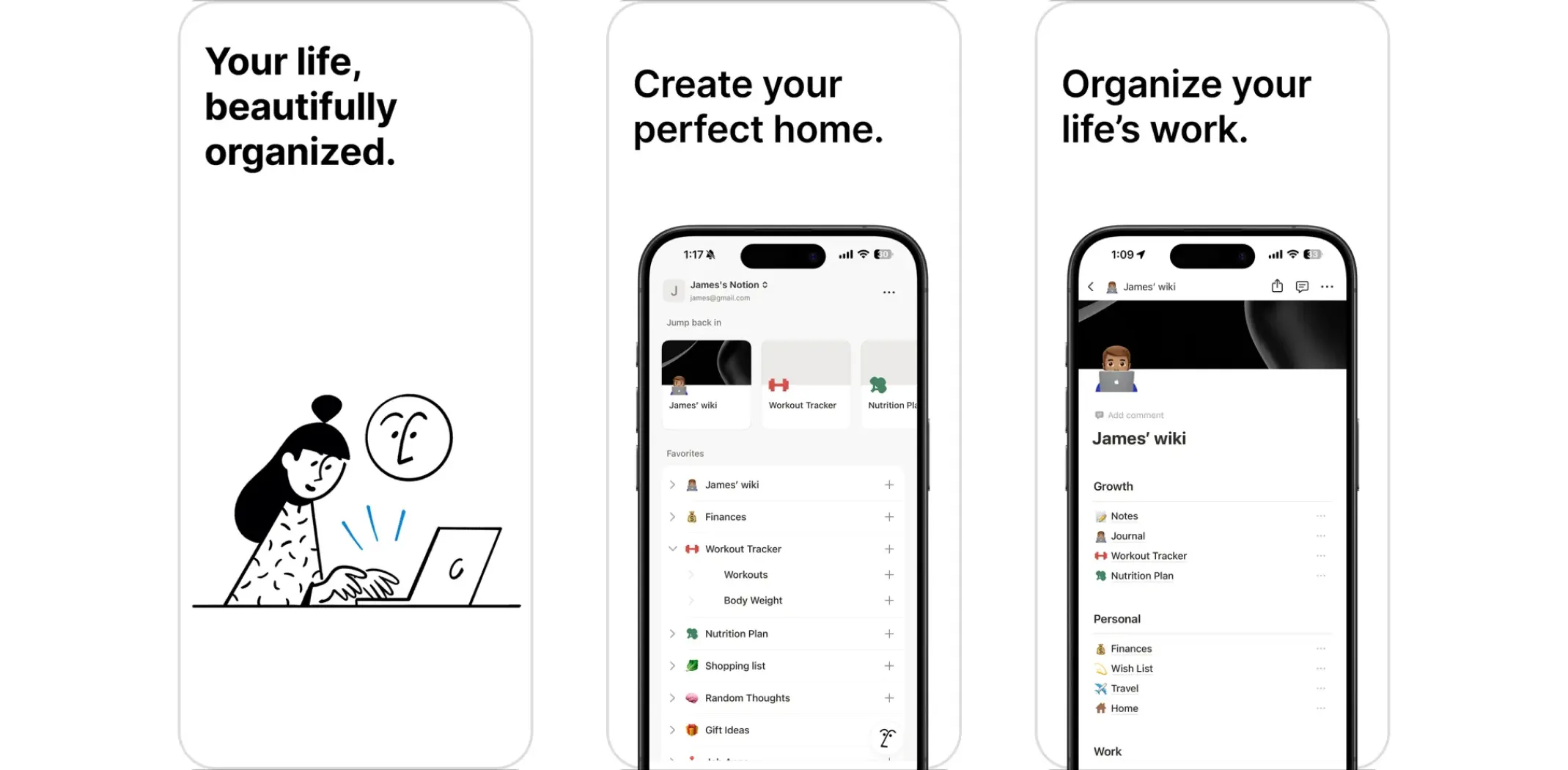
Notion is more than a task manager – it is an all-in-one workspace where you can write notes, build databases, plan projects, and even create an internal wiki for your business. It is ideal if you want one tool that does almost everything.
Best for: Solo owners and small teams who want to centralize everything in one place.
Earning potential: Free for personal use; team plans from $10/month per user.
- Pros: Incredibly versatile, highly customizable, great for knowledge management
- Cons: The sheer number of features can feel overwhelming when you are just starting
Todoist
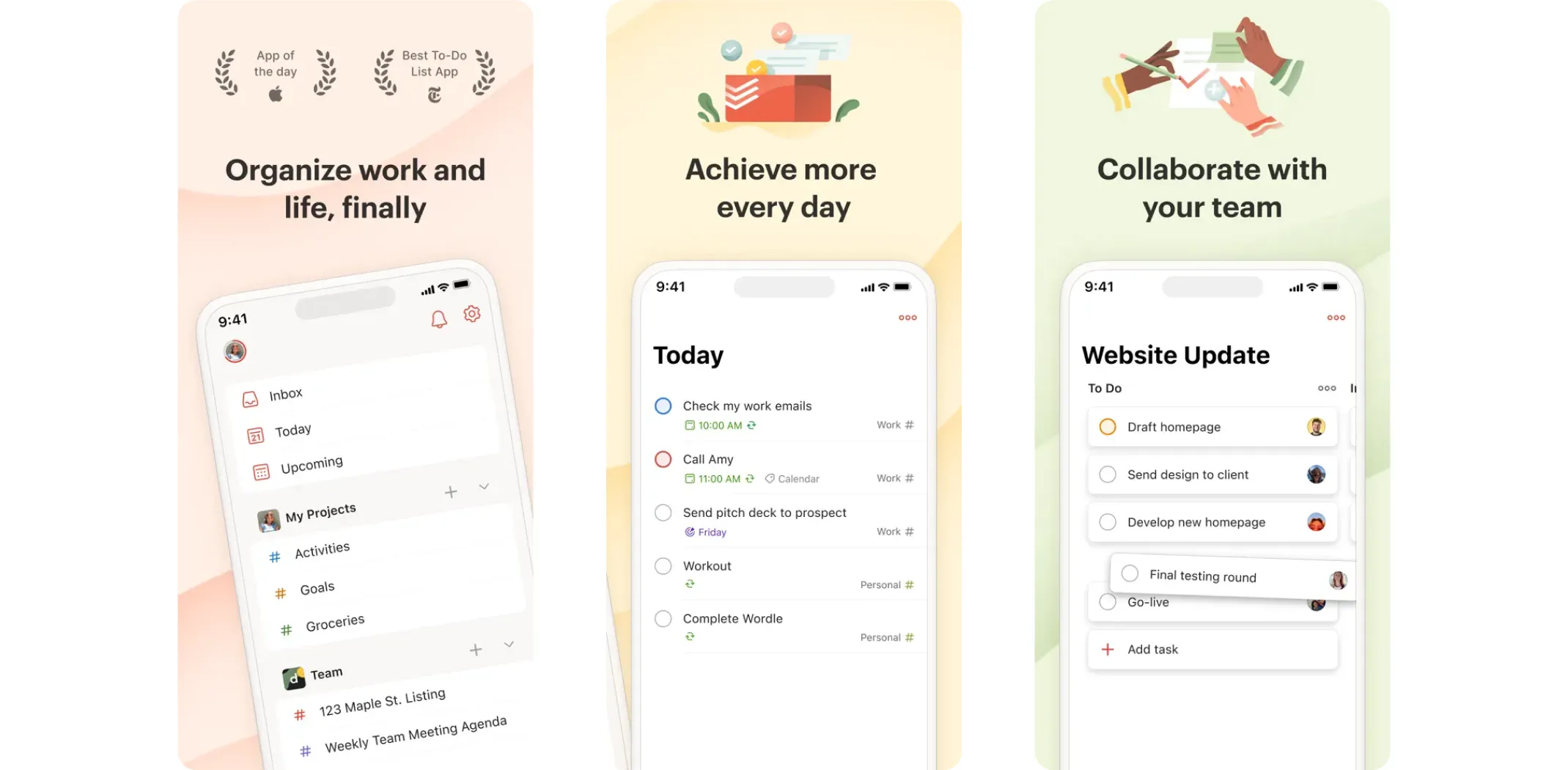
Todoist is the simplest option on this list – and sometimes simple is exactly what you need. It gives you a clean task list organized by project, priority, and deadline. There is no learning curve, and it works just as well on your phone as it does on your computer.
Best for: Solo entrepreneurs who just need a reliable, no-fuss task list.
Earning potential: Free plan available; Pro plan at $4/month.
- Pros: Clean interface, cross-platform, quick to set up
- Cons: Reminders, labels, and filters require a paid subscription
Communication and collaboration apps
Whether you are managing a remote team, coordinating with contractors, or staying in touch with clients, the right communication tool makes everything faster and cleaner. Here are the top picks for small business owners in 2026.
Messaging and chat
Slack
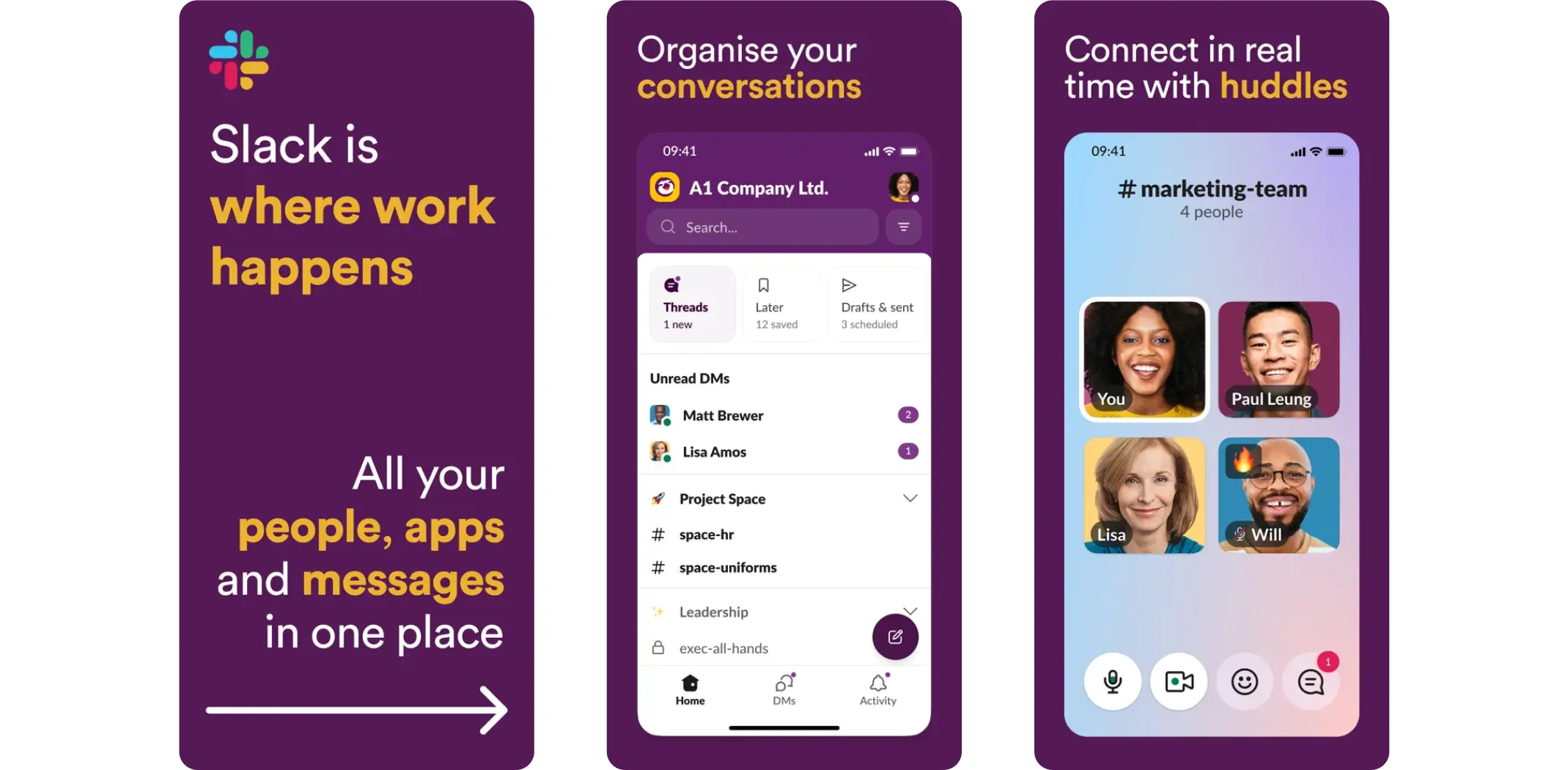
Slack is the go-to messaging app for small business teams. You set up channels for different projects or topics, share files, search old conversations, and integrate it with tools like Trello, Google Calendar, and more. It keeps work chat separate from personal messaging so nothing important gets lost.
Best for: Teams of 2–20 people who want organized, searchable communication.
- Pros: Real-time messaging, powerful integrations, easy to organize
- Cons: Can get noisy with too many active channels; free plan limits message history
Pumble
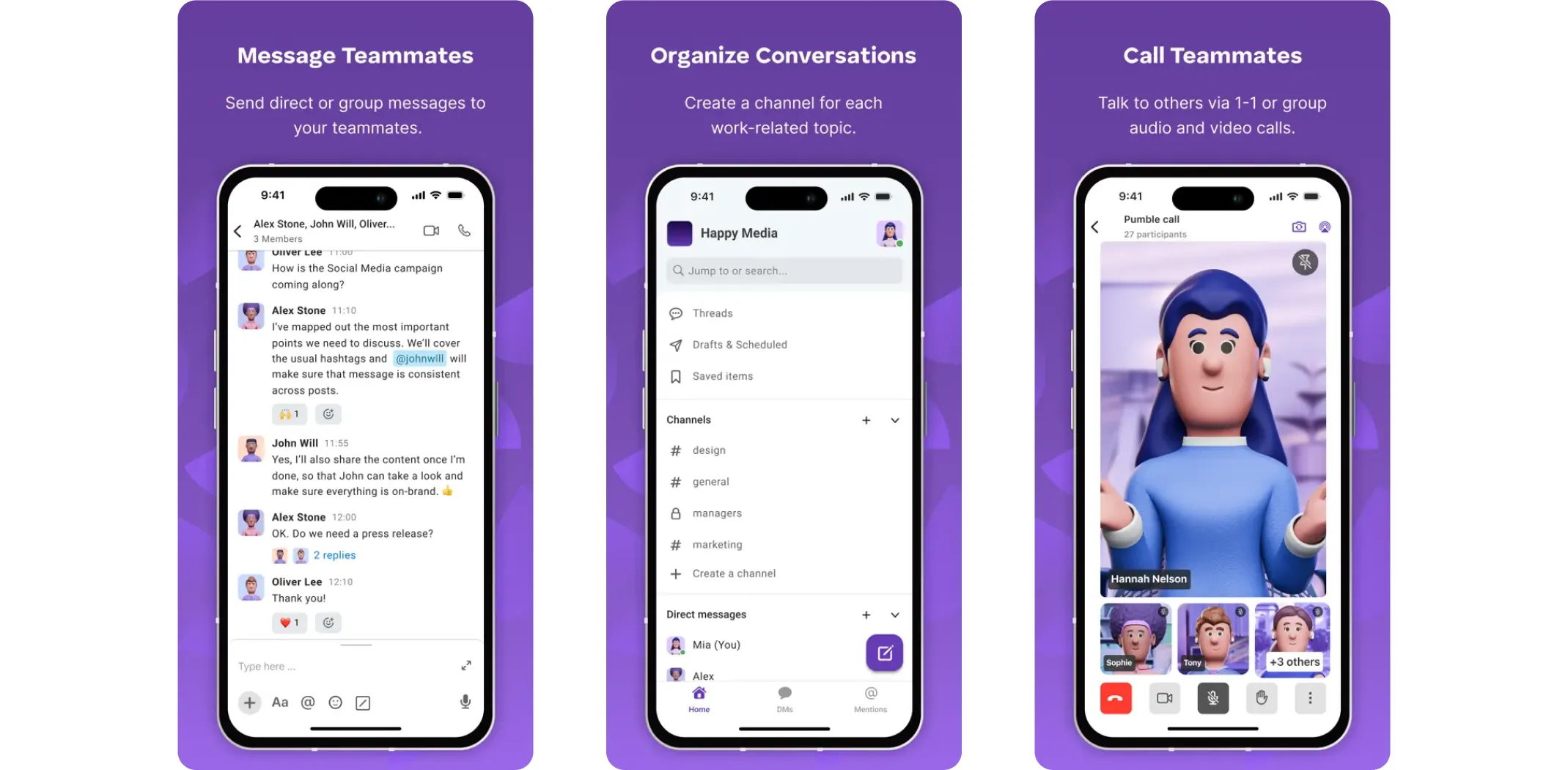
Pumble is a budget-friendly alternative to Slack that gives you unlimited messaging, video calls, and file sharing even on its free plan. If you are watching your costs but still need a solid team messaging tool, Pumble is one of the best apps for small business on a tight budget.
Best for: Budget-conscious businesses that still want full messaging features.
- Pros: Generous free plan, easy to use, reliable for small teams
- Cons: Fewer third-party integrations compared to Slack
Video calling and meetings
Zoom
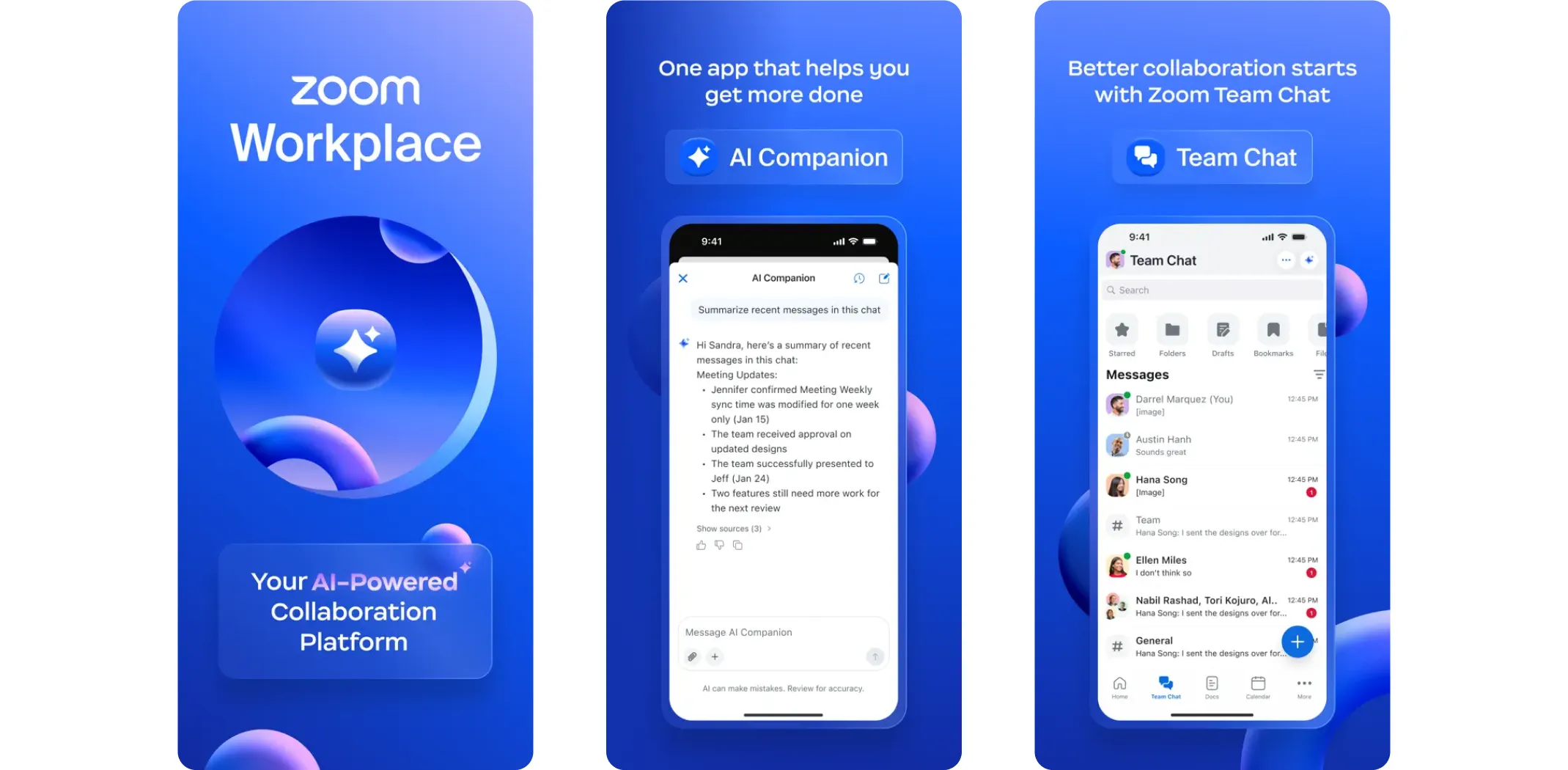
Zoom is still the most widely used video conferencing tool for small businesses. It is reliable, easy to join without a download, and works well for everything from one-on-one check-ins to client presentations. You can also record sessions, which is useful for training or keeping records of important meetings.
Best for: Client-facing businesses and remote teams that need reliable video calls.
- Pros: High video and audio quality, screen sharing, easy scheduling
- Cons: Free plan limits group calls to 40 minutes
Microsoft Teams
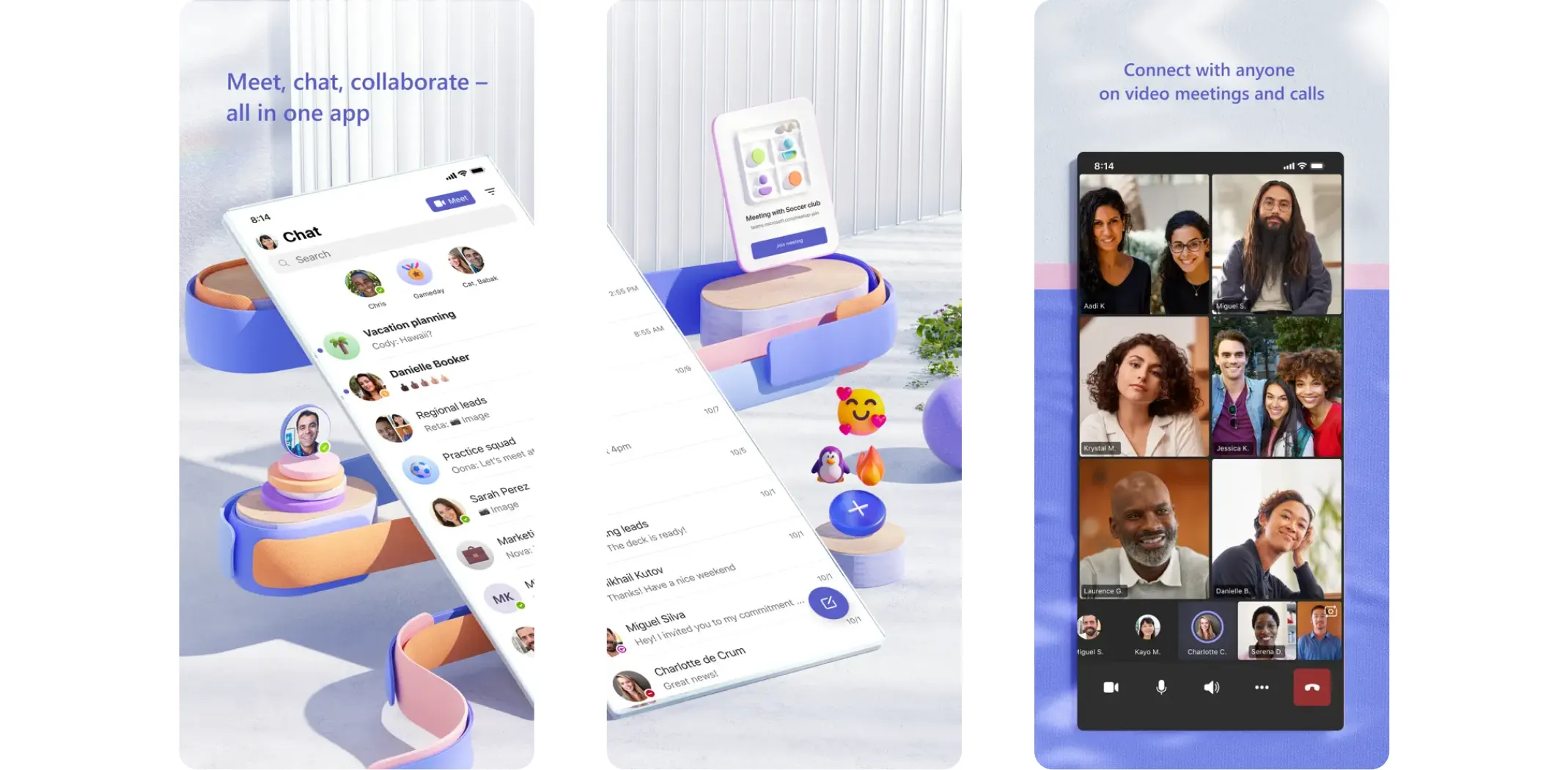
If your business already uses Microsoft Office tools – Word, Excel, OneDrive – then Teams is a natural fit. It combines chat, video meetings, and file collaboration all in one platform, and everything syncs directly with your existing Microsoft account.
Best for: Businesses already in the Microsoft ecosystem.
- Pros: All-in-one communication, seamless Office integration, strong collaboration tools
- Cons: Can feel heavy and complex for very small teams
Accounting and finance apps
Money management is one area where small business owners cannot afford to guess. The right accounting app keeps your books accurate, your invoices on time, and your tax season a lot less stressful.
Full-featured accounting tools
QuickBooks
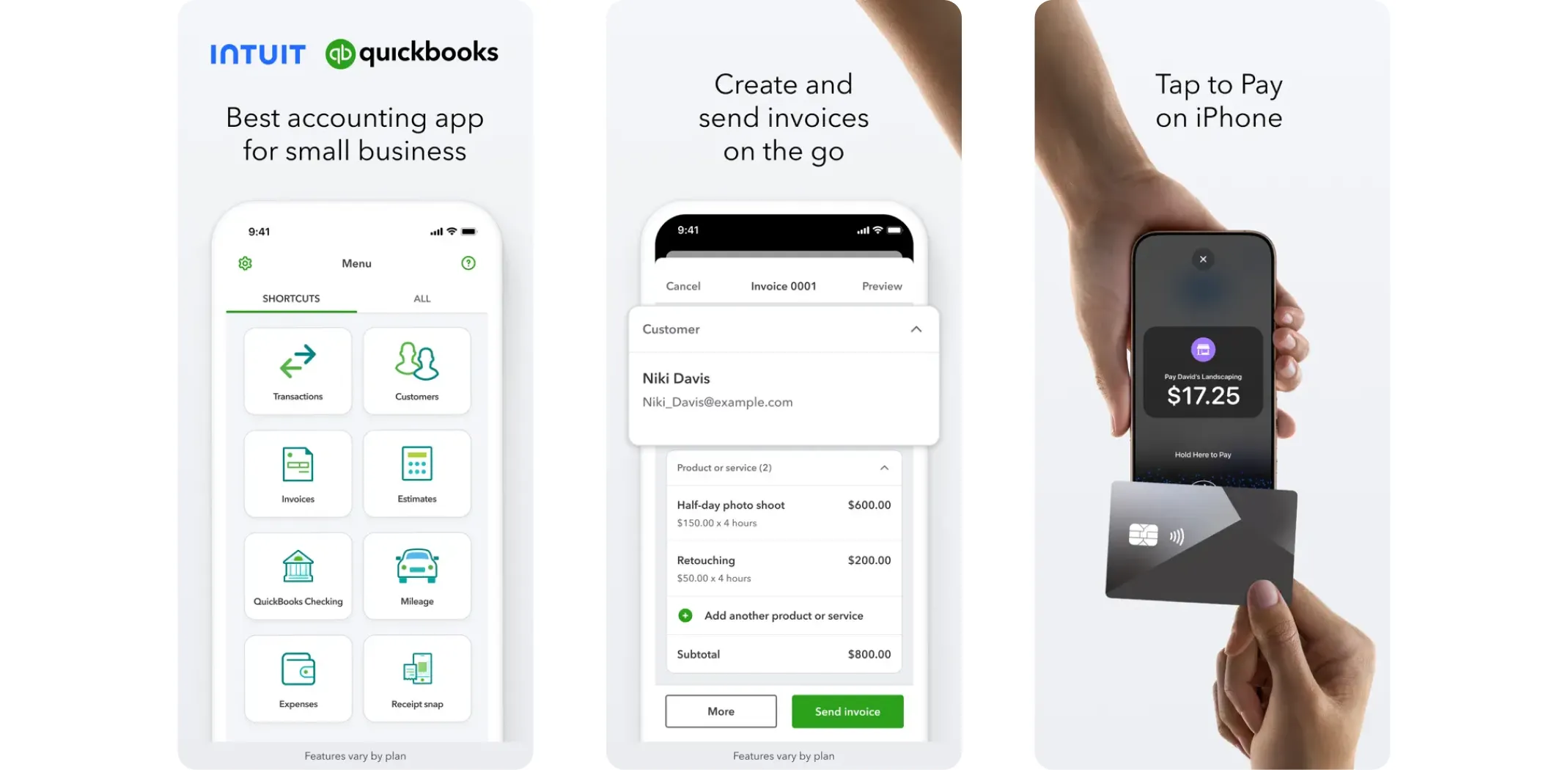
QuickBooks is the most widely used accounting app for small businesses in the US. It covers everything – expense tracking, invoicing, payroll, tax preparation, and financial reporting. If you want one tool that handles your entire financial picture, this is it.
Best for: Small businesses that need comprehensive accounting in one place.
Earning potential: Plans start at $17.50/month (discounted introductory pricing often available).
- Pros: Comprehensive features, connects with hundreds of other tools, scalable as you grow
- Cons: Can be expensive for solo owners or very small operations
Xero
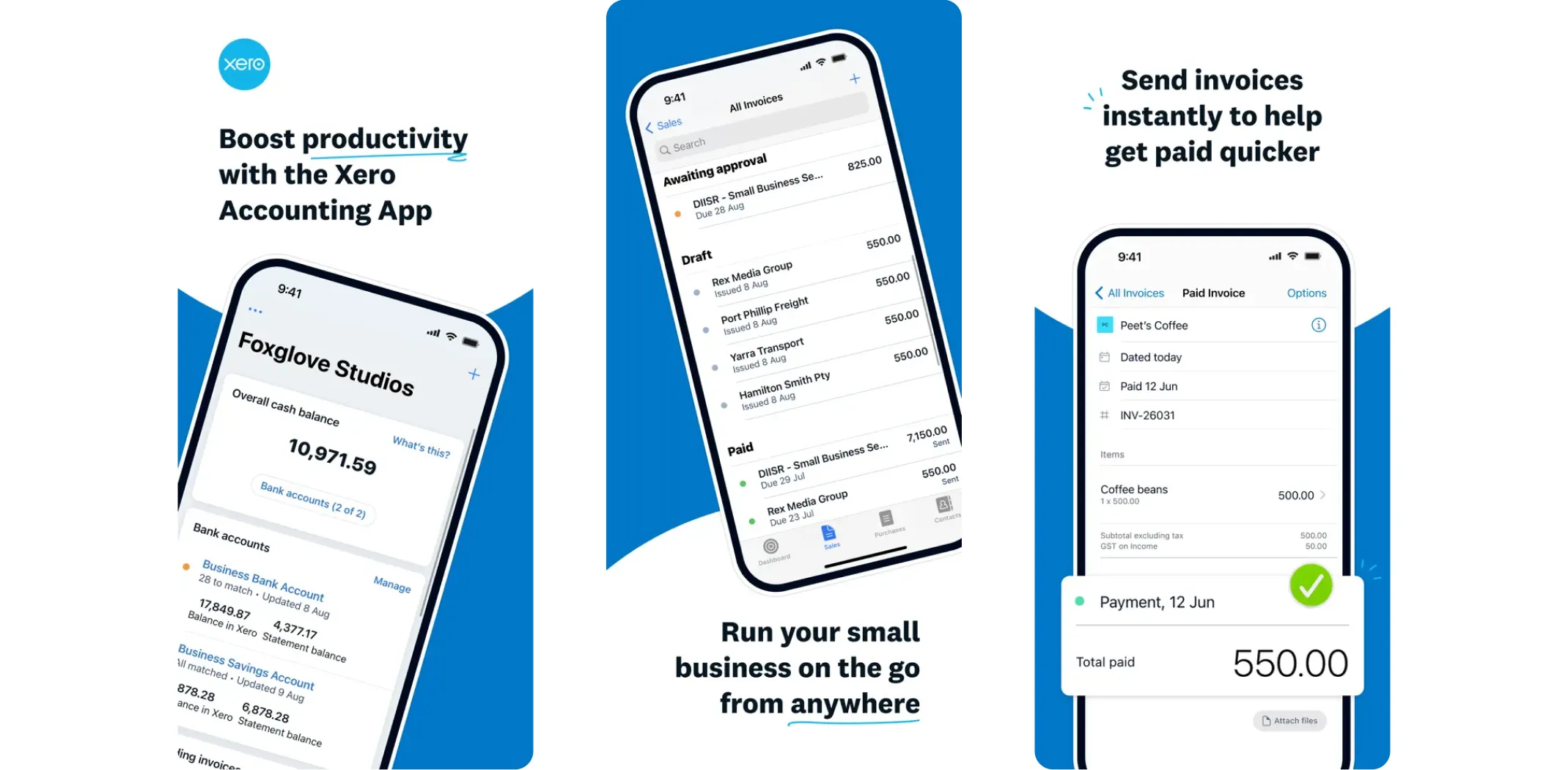
Xero is a cloud-based accounting platform built for growing businesses. It offers invoicing, bank reconciliation, expense tracking, and integrates with over 800 other business apps. If you are planning to scale, Xero grows with you cleanly.
Best for: Growing small businesses that need scalable accounting software.
Earning potential: Plans from $15/month.
- Pros: Scalable, strong integrations, clean cloud interface
- Cons: Feature depth can feel overwhelming for brand-new users
Simple and free options
Wave
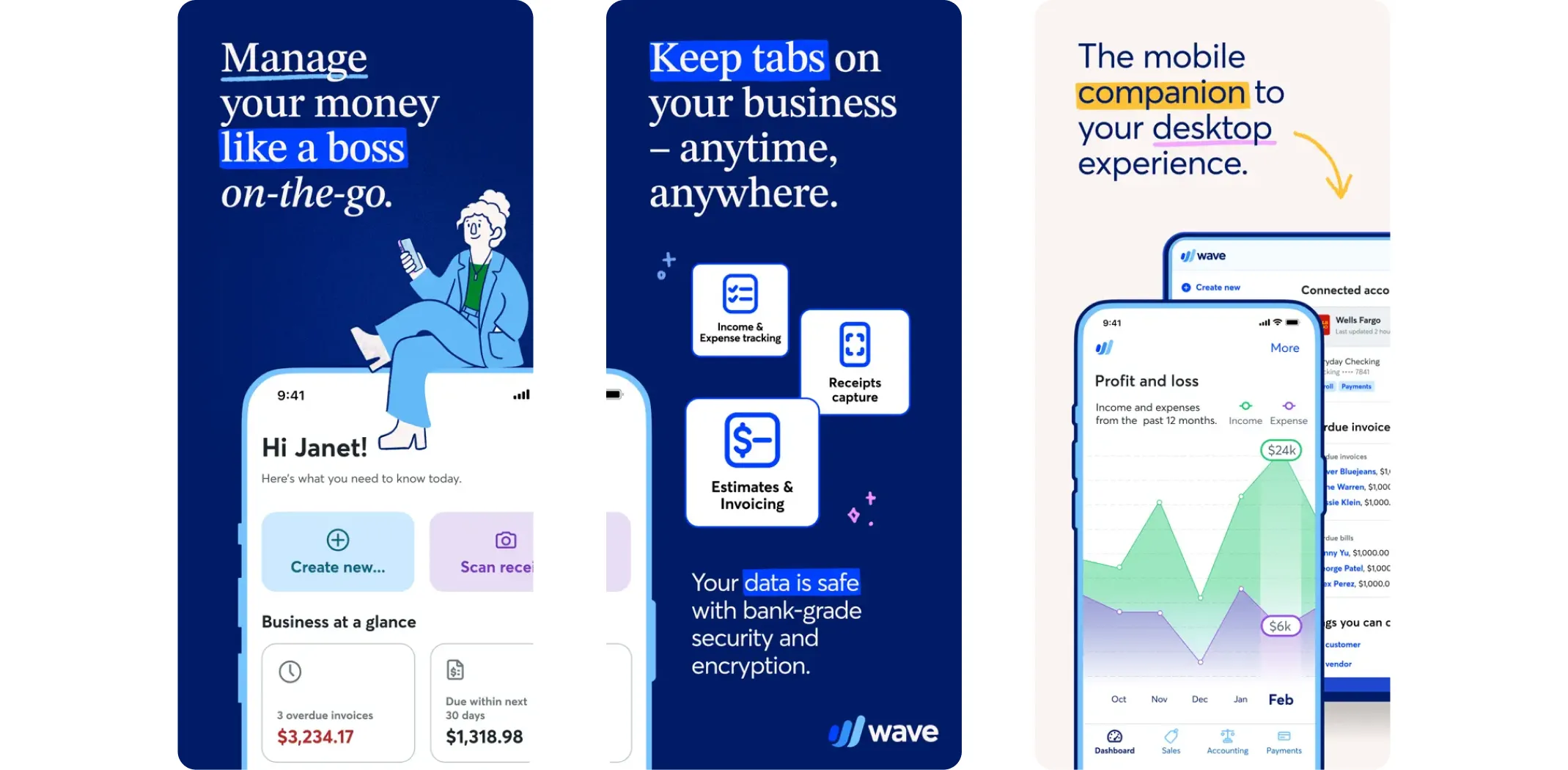
Wave is a free accounting app that is genuinely useful. You can manage invoices, track expenses, connect your bank account, and run basic reports – all at no cost. If you are just starting out and keeping costs low, Wave is one of the best apps for small business hands down.
Best for: Solopreneurs and very small businesses on a zero or minimal budget.
Earning potential: Free for core features; payment processing fees apply.
- Pros: Completely free, simple to use, works well for freelancers and small operations
- Cons: Limited scalability for larger or more complex businesses
FreshBooks
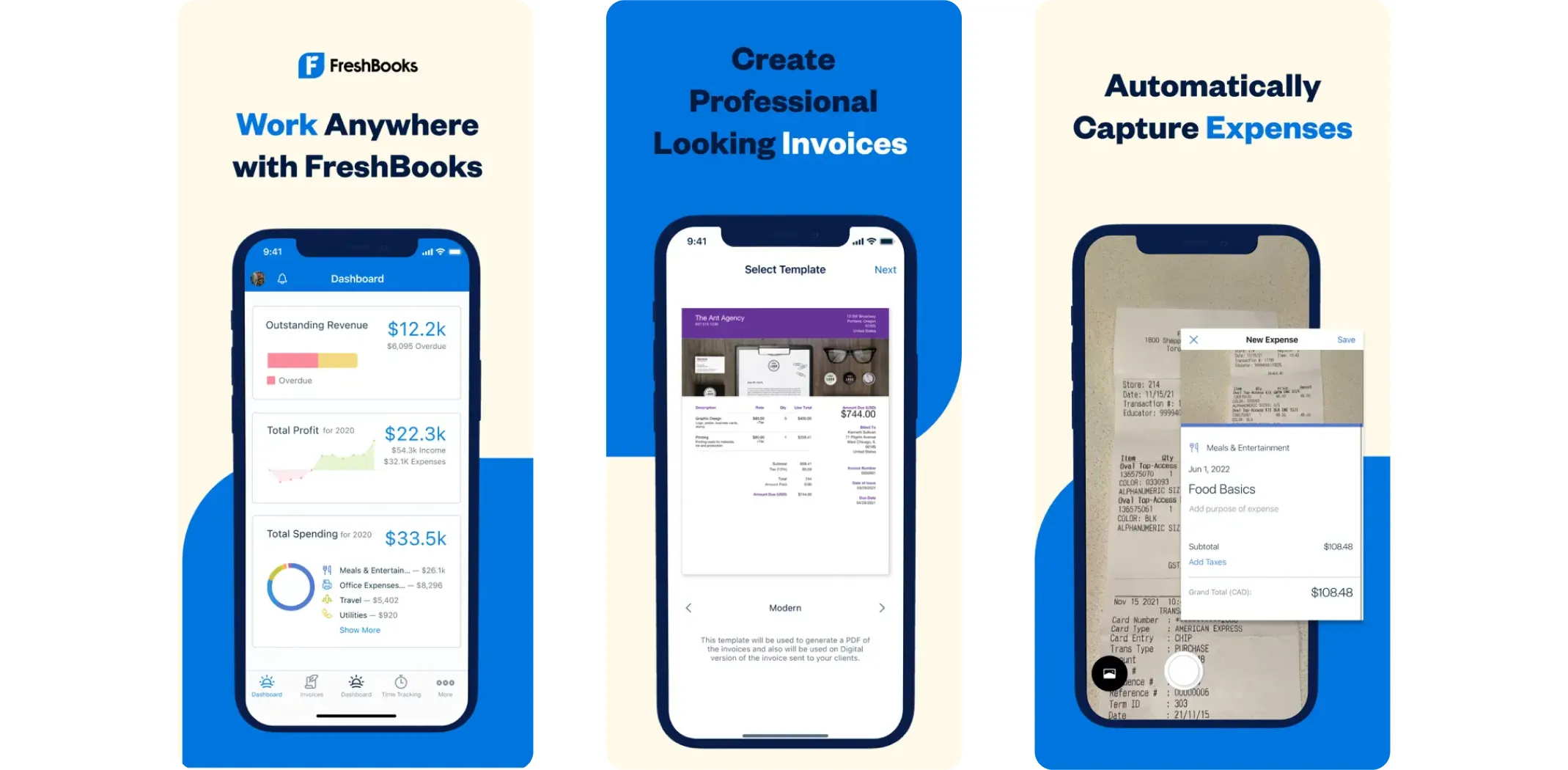
FreshBooks is designed for service-based businesses and freelancers who need clean invoicing more than complex accounting. It makes it easy to bill clients, track your time, and manage expenses in a simple, mobile-friendly interface.
Best for: Freelancers, consultants, and service businesses.
Earning potential: Plans start at $19/month.
- Pros: Easy to use, excellent invoicing tools, cloud-based and mobile-friendly
- Cons: Limited advanced accounting features for product-based businesses
Marketing, advertising, and social media apps
Getting noticed is one of the hardest parts of growing a small business. These apps help you create great content, schedule it consistently, and reach the right audience – without needing a full marketing team behind you.
Design and content creation
Canva
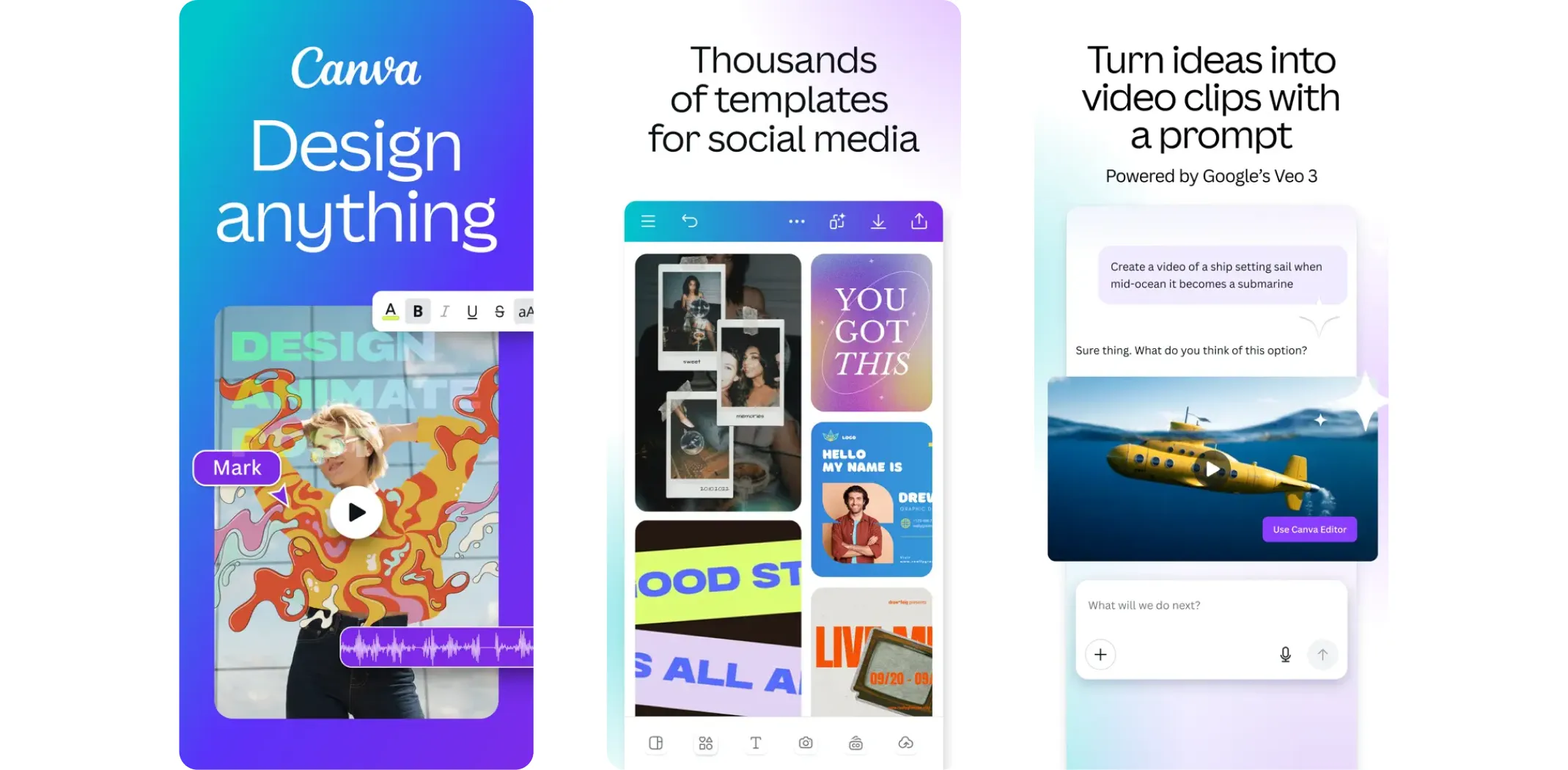
Canva is hands down one of the most useful apps on this entire list for small business owners. It lets anyone create professional-looking graphics – social media posts, email headers, presentations, ad banners, and more – using thousands of ready-made templates. No design experience needed.
Best for: Any business that needs to create visual content regularly.
Earning potential: Free plan available; Canva Pro from $15/month.
- Pros: Beginner-friendly, huge template library, free plan covers most basic needs
- Cons: Some advanced features and assets locked behind the paid plan
Social media scheduling
Buffer
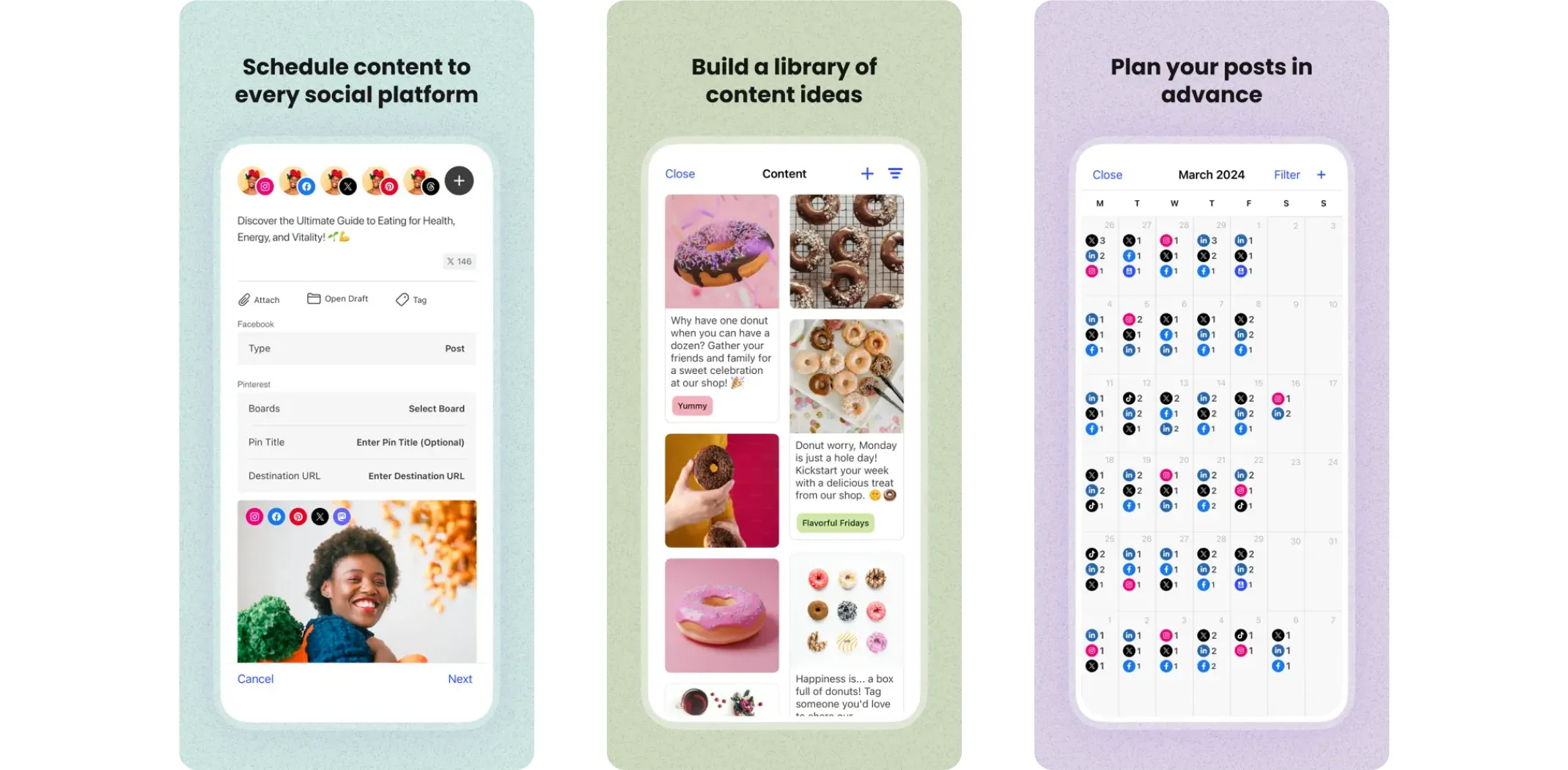
Buffer lets you plan and schedule posts across multiple social media platforms from one dashboard. Instead of posting manually every day, you can batch your content at the start of the week and let Buffer handle the publishing. It also gives you analytics to see what is working.
Best for: Small businesses that want a consistent social presence without spending hours online every day.
Earning potential: Free for up to 3 channels; paid plans from $6/month per channel.
- Pros: Clean and simple, solid analytics, affordable
- Cons: Reporting is not as detailed as larger platforms like Hootsuite
Hootsuite
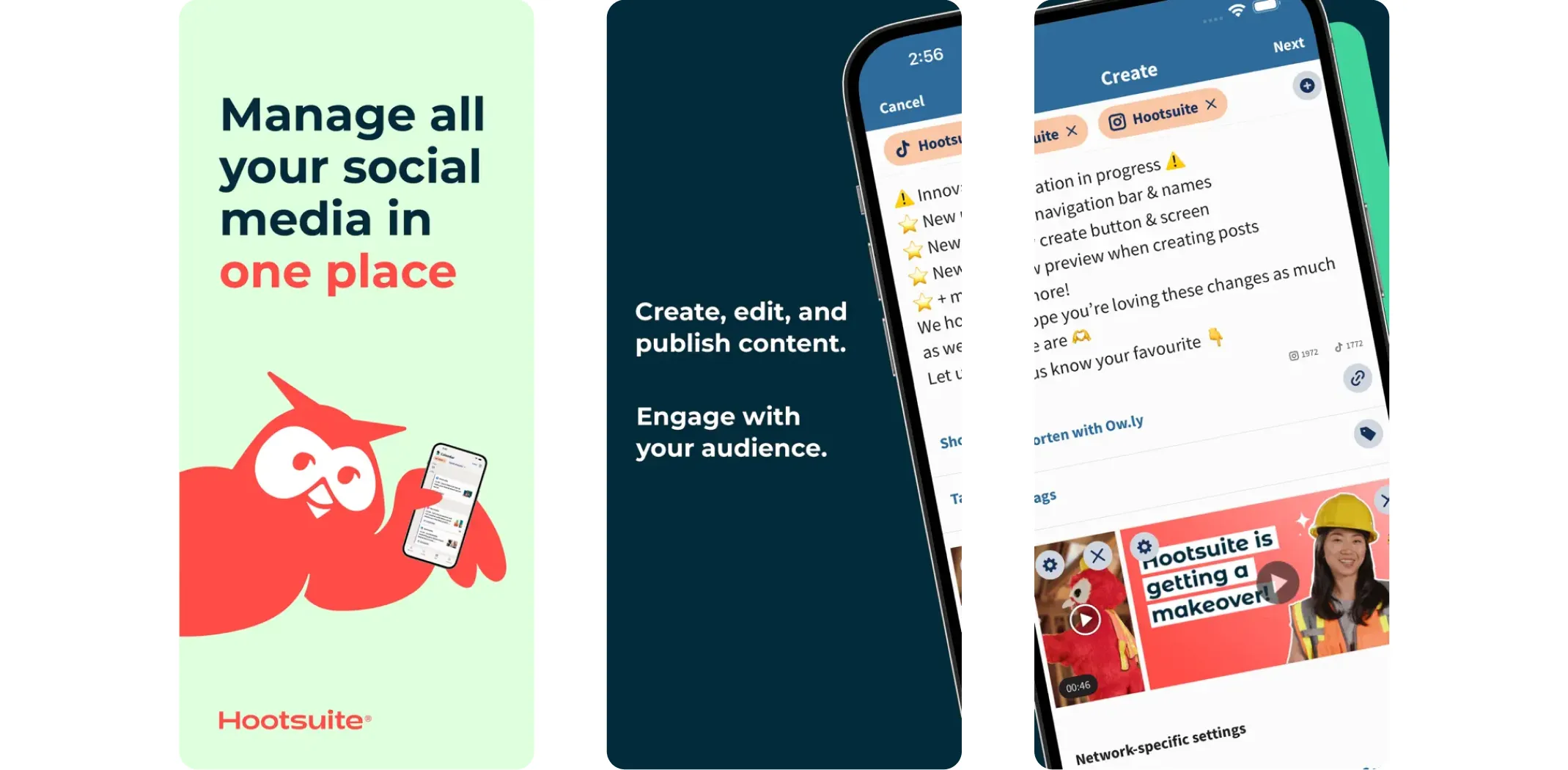
Hootsuite goes deeper than Buffer. It is built for businesses that want to monitor mentions, track engagement, run social campaigns, and manage multiple team members all in one platform. If social media is a core part of your growth strategy, Hootsuite gives you more firepower.
Best for: Businesses that are serious about growing their social presence.
Earning potential: Plans start at $99/month.
- Pros: Multi-platform management, strong reporting, good for teams
- Cons: Pricier than alternatives; can feel complex for beginners
Email marketing
Mailchimp
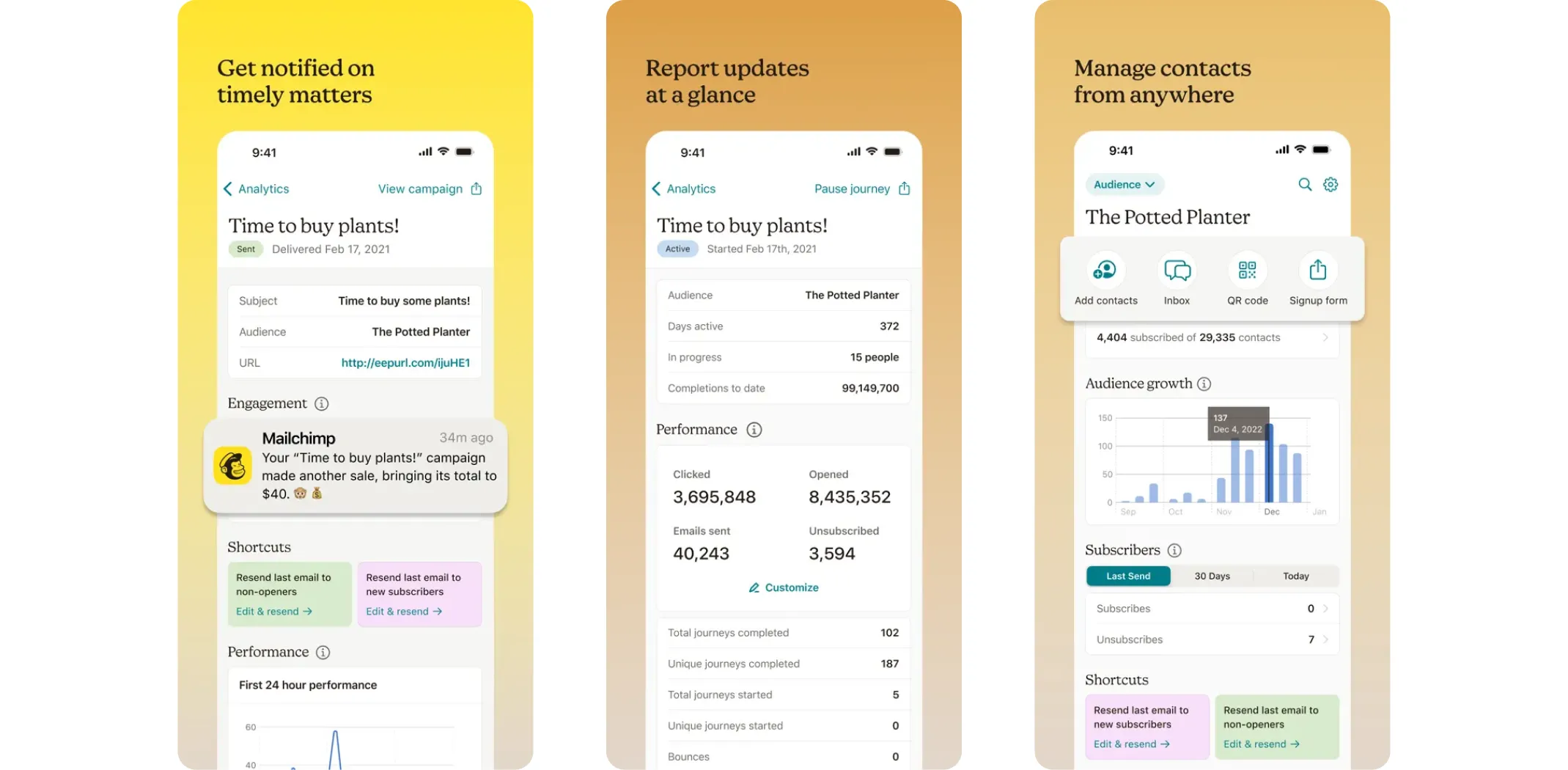
Mailchimp is the most popular email marketing platform for small businesses. You can design email campaigns, set up automated follow-up sequences, and segment your audience so you are always sending the right message to the right person. It is one of the best apps for small business owners who want to build long-term customer relationships.
Best for: Businesses building an email list and wanting to stay in front of customers.
Earning potential: Free for up to 500 contacts; paid plans from $13/month.
- Pros: Beginner-friendly, integrates with most platforms, free plan for small lists
- Cons: Costs can rise quickly as your list grows past a few thousand subscribers
Customer relationship management apps
Every sale starts with a relationship. CRM apps help you keep track of your leads, follow up at the right time, and turn more conversations into customers. Here are the top picks for small businesses.
Free and low-cost CRM tools
HubSpot CRM
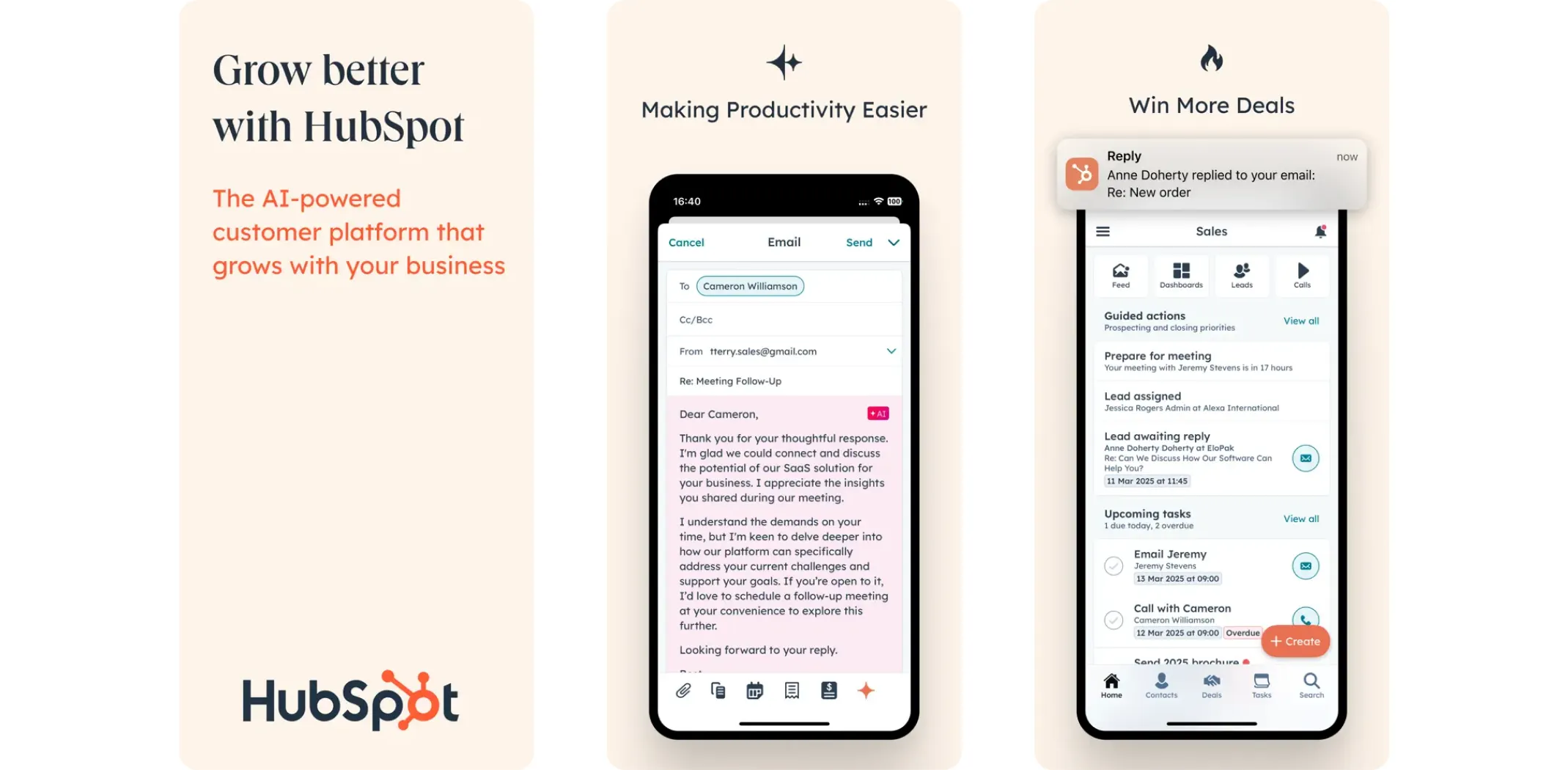
HubSpot offers one of the most powerful free CRM tools available. You can track deals, manage contacts, schedule follow-ups, and even see how prospects are engaging with your emails and website. For businesses just getting started with CRM, there is nothing better at this price.
Best for: Businesses new to CRM who want to start free and scale.
- Pros: Completely free core CRM, easy to use, strong marketing integrations
- Cons: Advanced automation and reporting require paid upgrades
Zoho CRM
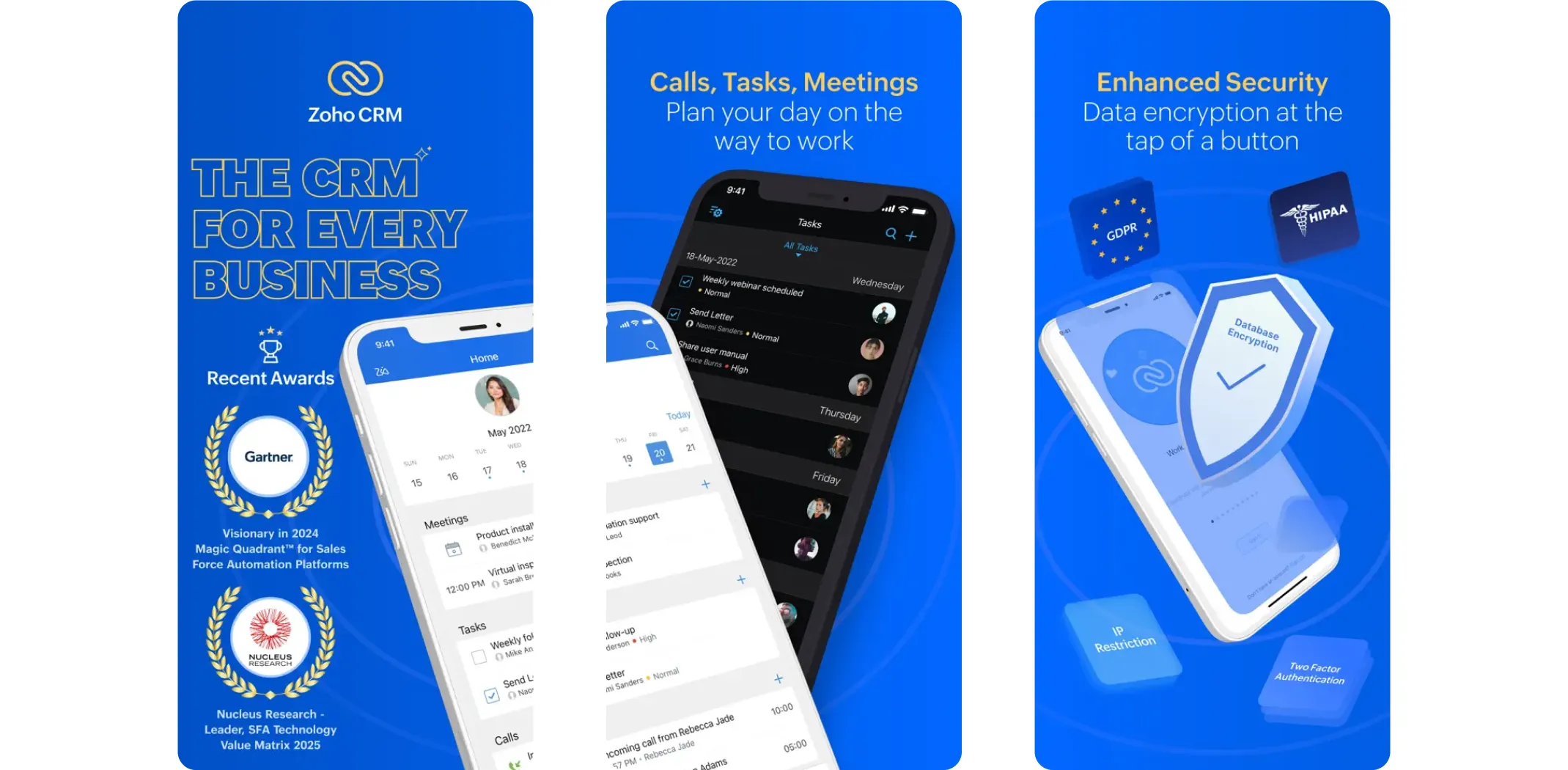
Zoho CRM is affordable, customizable, and packed with automation features. You can set up automated follow-up sequences, track your sales pipeline, and run reports – all without spending a lot. It is a strong choice for small businesses that want more features without big-platform prices.
Best for: Cost-conscious businesses that need automation and reporting.
- Pros: Highly customizable, automation-friendly, cost-effective
- Cons: Takes time to learn all of its features
Premium CRM options
Salesforce Essentials
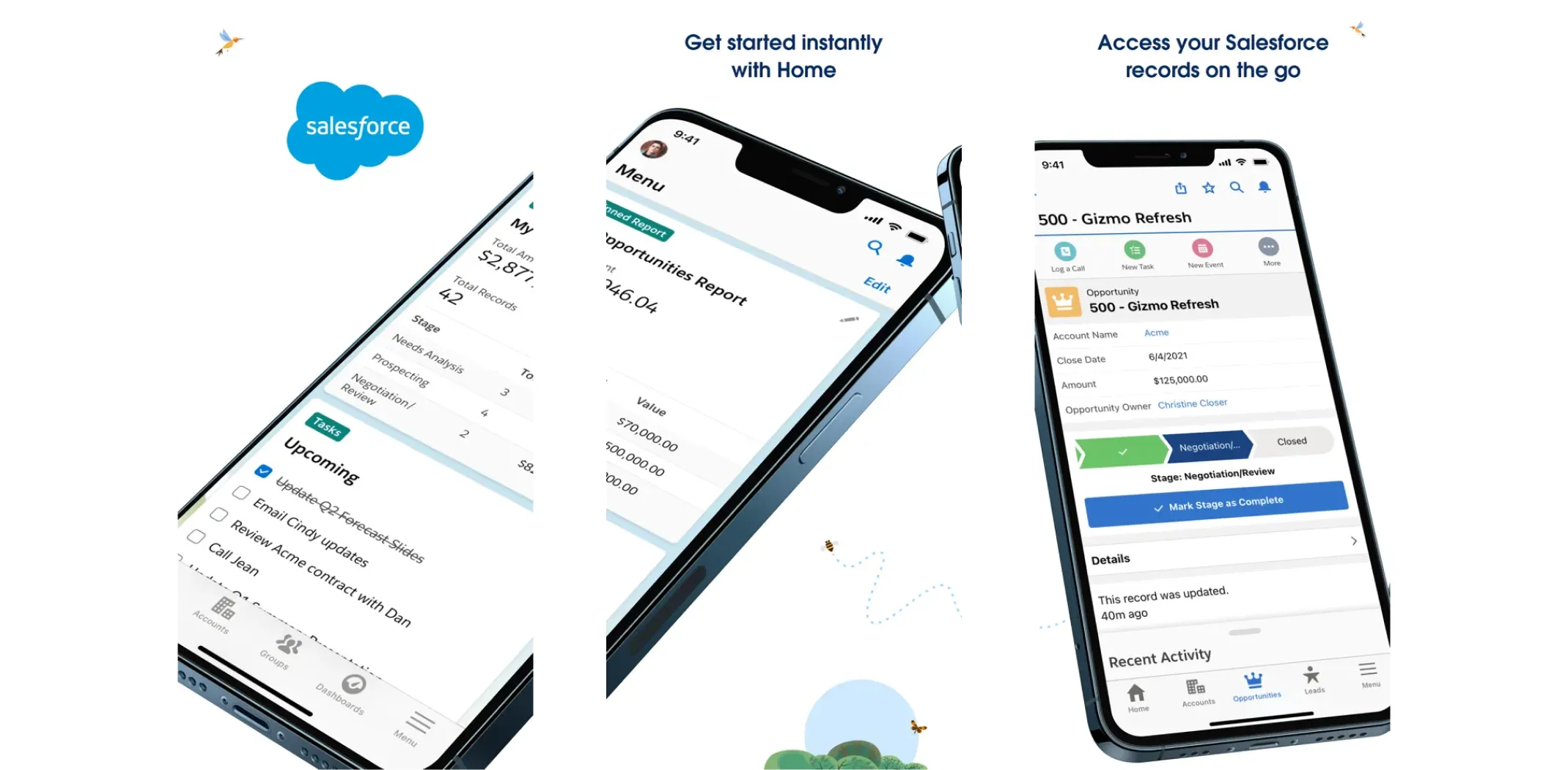
Salesforce is best known as an enterprise tool, but the Essentials version was built specifically for small businesses. It combines contact management, task tracking, and detailed reporting in one platform – and it integrates with nearly every other business app you might be using.
Best for: Small businesses that need enterprise-grade reliability and integrations.
- Pros: Comprehensive, highly reliable, integrates with almost everything
- Cons: More expensive than most small-business-focused alternatives
Capsule CRM
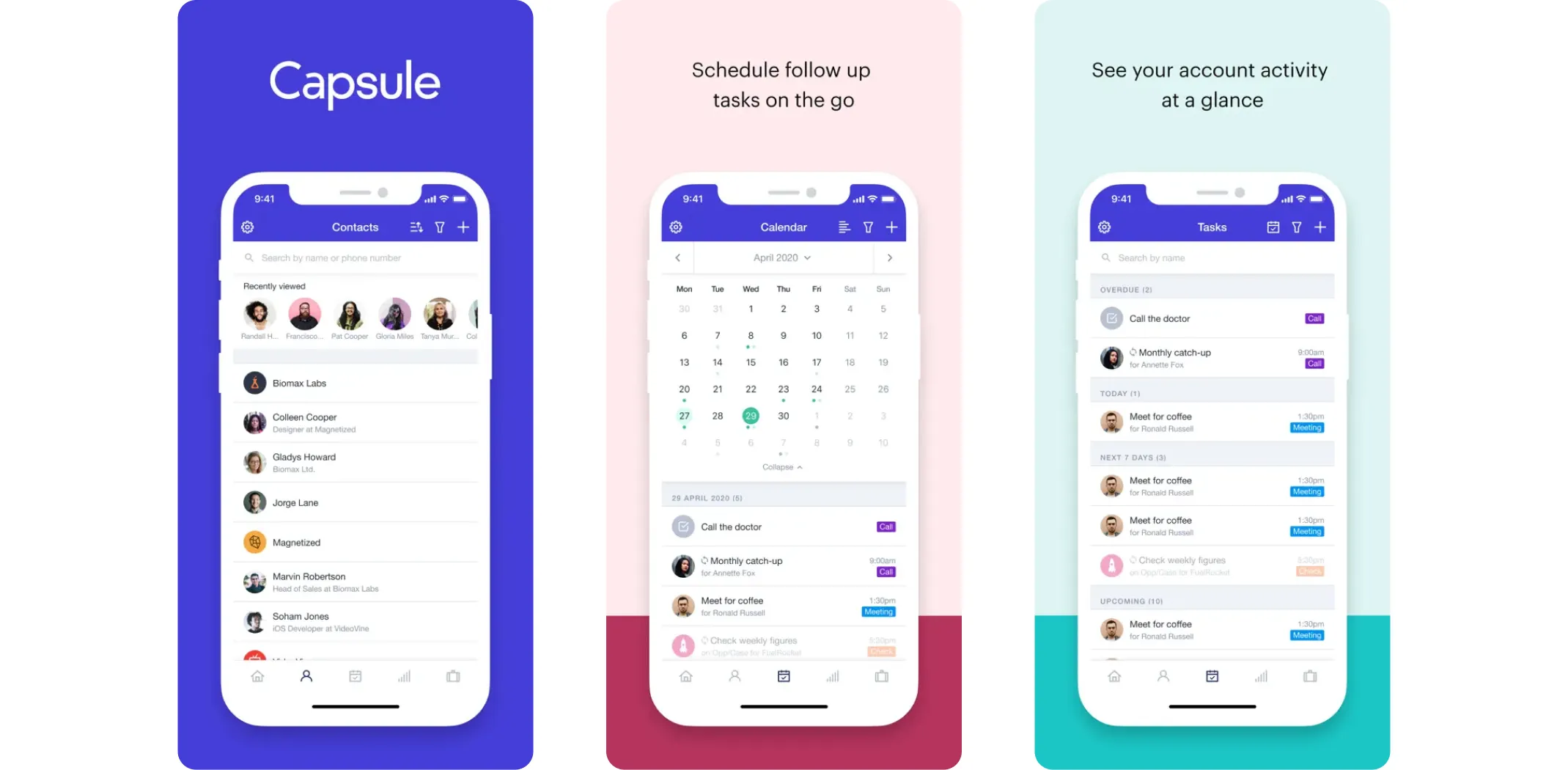
Capsule is the simplest CRM on this list. If you just want a clean, easy-to-use tool to track clients, store notes, and manage your opportunities without a steep learning curve, Capsule delivers exactly that.
Best for: Solo owners and very small teams who want a simple, no-fuss CRM.
- Pros: Clean interface, fast to set up, affordable
- Cons: Limited customization for complex workflows
Employee management and HR apps
If you have a team – even a small one – the admin side of managing people can eat up a surprising amount of your time. These apps handle scheduling, payroll, and HR so you can spend less time on paperwork and more time on growth.
Scheduling and time tracking
Deputy
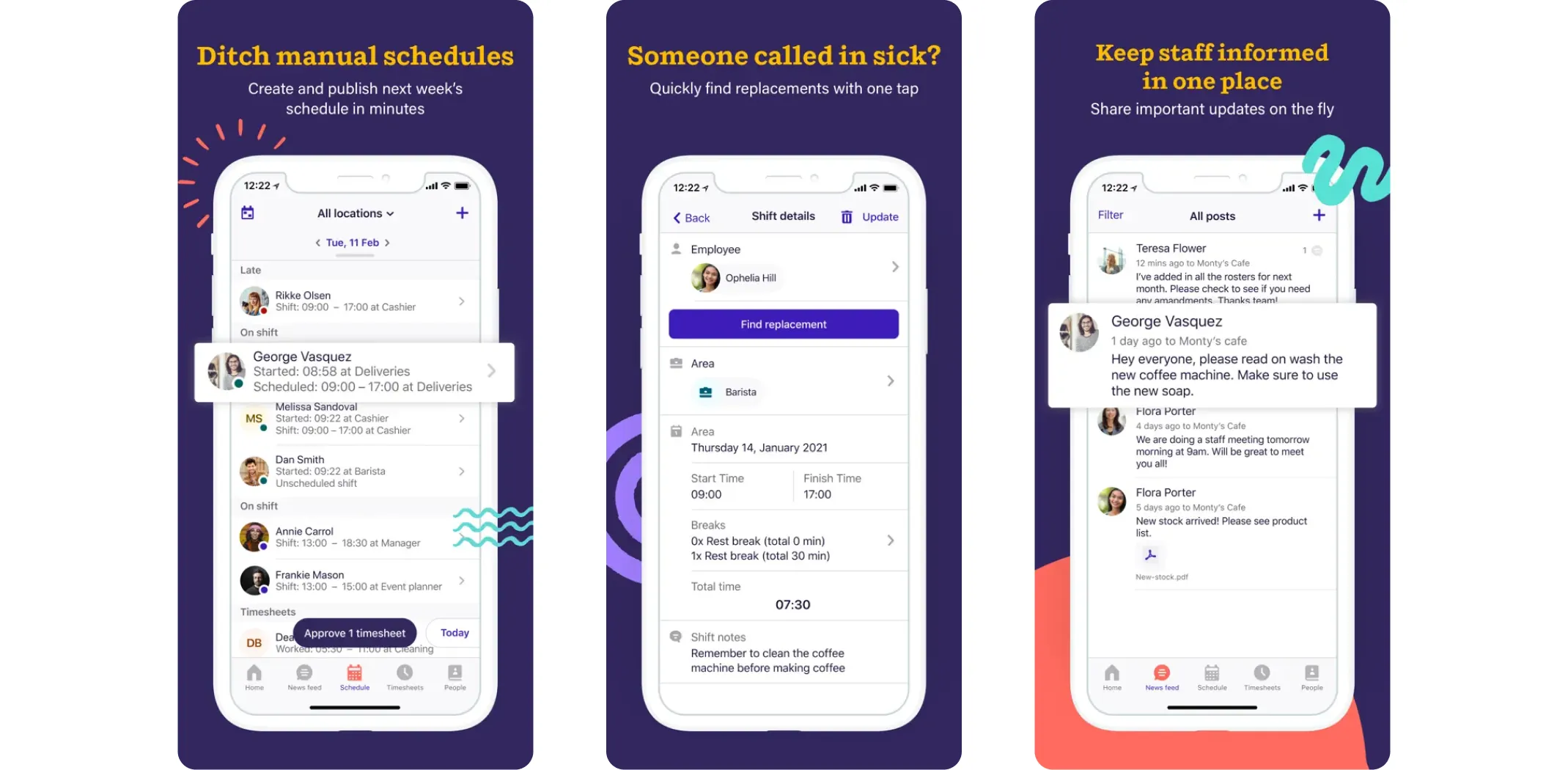
Deputy is built for businesses with hourly or part-time staff. You can create and share shift schedules, track attendance, manage time-off requests, and communicate with your team all from one app. It is especially useful for retail, food service, or any business where shift work is a regular part of operations.
Best for: Small businesses managing hourly or shift-based workers.
- Pros: Simple scheduling, strong mobile app, easy team communication
- Cons: Limited HR features beyond scheduling; can get expensive as headcount grows
QuickBooks Workforce
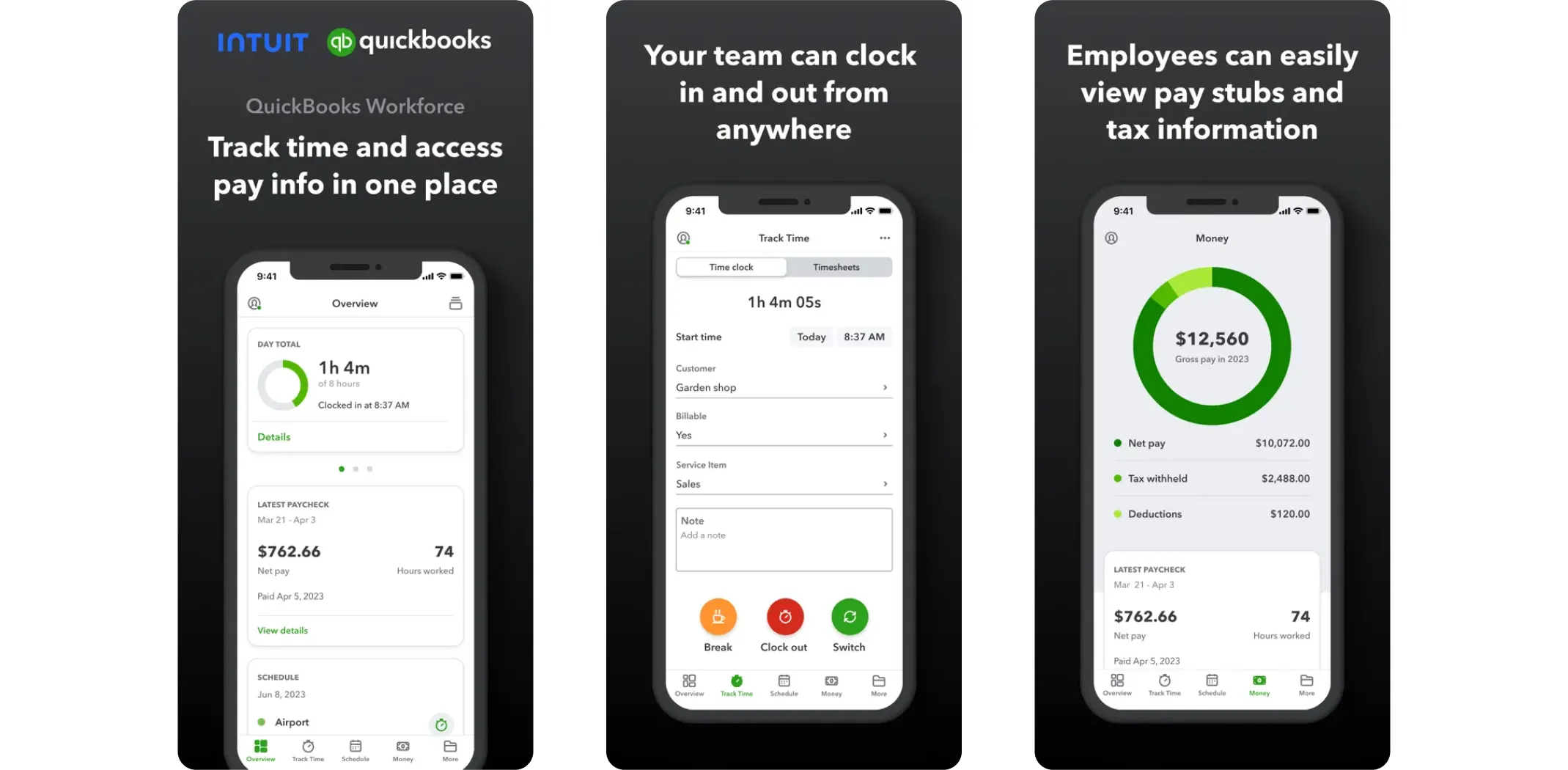
QuickBooks Workforce is a time-tracking and scheduling companion that allows employees to clock in directly from their phones. Hours are logged automatically and synced with your payroll system, which removes a major source of manual work and payroll errors.
Best for: Businesses already using QuickBooks for accounting.
- Pros: Mobile-friendly, integrates with payroll, detailed time reports
- Cons: Setup takes time; some users find the interface less intuitive than alternatives
Full HR and payroll solutions
Gusto
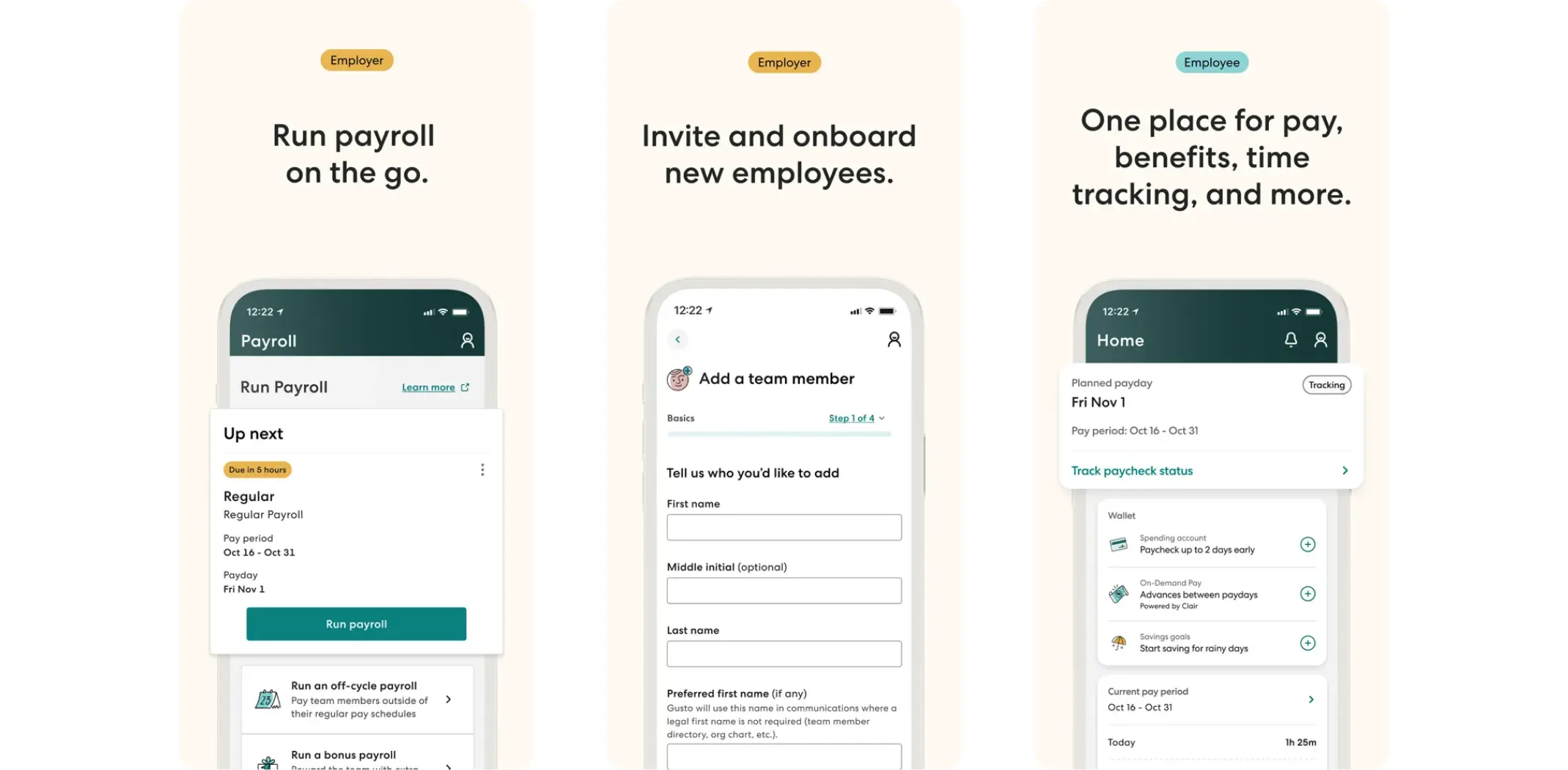
Gusto is a full-service payroll and HR platform built specifically for small businesses. It handles payroll, benefits enrollment, tax filings, and compliance automatically. If you have ever stressed about payroll taxes or year-end reporting, Gusto removes most of that headache.
Best for: Small businesses that want payroll and HR handled in one place with minimal effort.
- Pros: Full payroll automation, clear interface, handles compliance without extra steps
- Cons: Higher monthly cost than basic payroll apps; limited international support
BambooHR
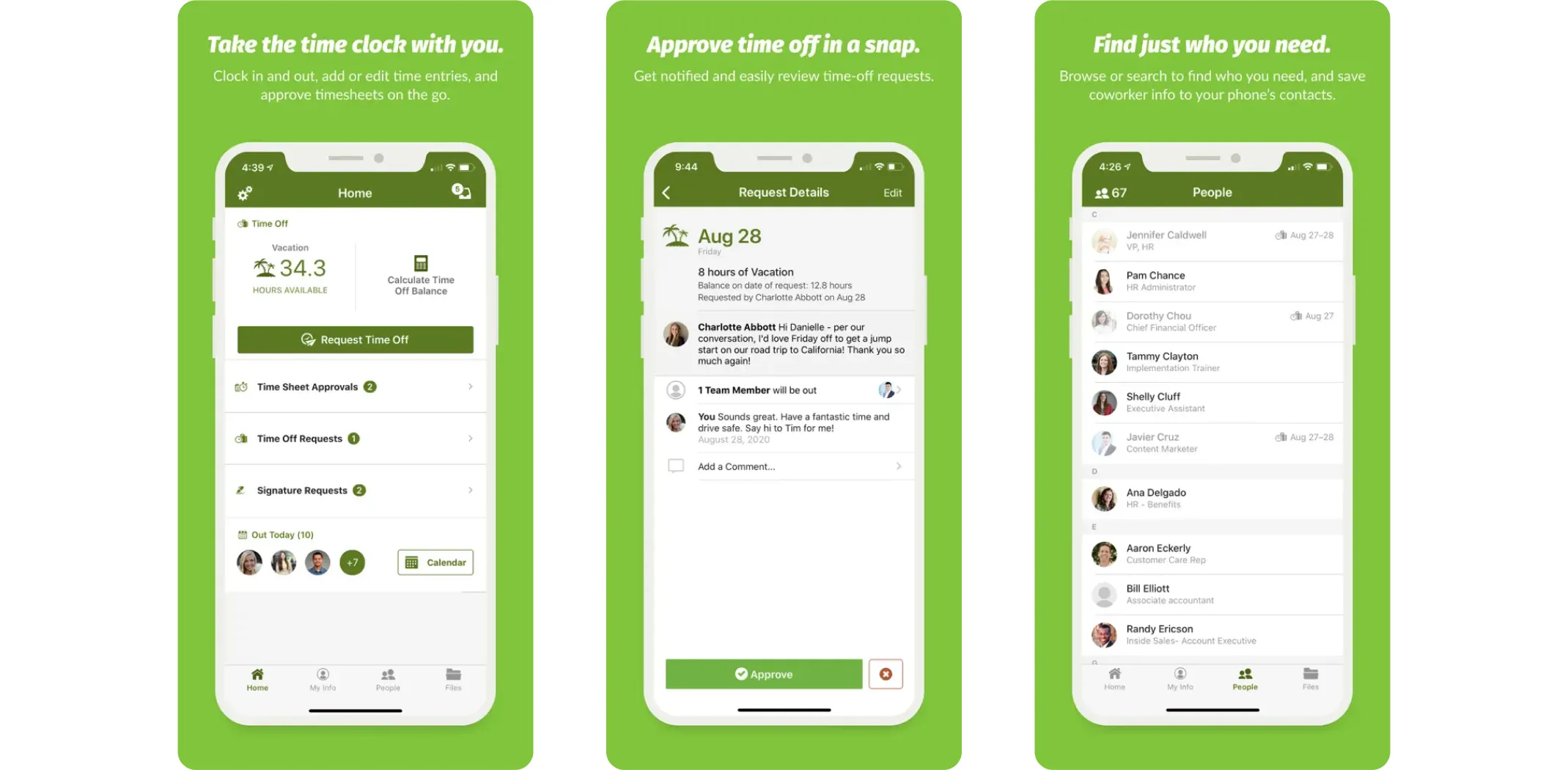
BambooHR goes beyond payroll and focuses on the broader experience of managing people. It helps with onboarding, performance reviews, employee data, and HR reporting. If your business is growing and you need more structure around your team management, BambooHR gives you that foundation.
Best for: Growing small businesses that need structured HR processes.
- Pros: Solid onboarding tools, performance management features, good reporting
- Cons: Pricing is not transparent; feature set may exceed what very small teams actually need
How to choose the right apps for your business
With so many great tools available, the hardest part is not finding apps – it is knowing where to start. Here is the honest advice: do not try to implement everything at once.
Start by identifying the single biggest pain point in your business right now. Is it tracking tasks? Managing money? Staying in touch with clients? Pick one app from the relevant category, use it for two to three weeks, and see how much smoother things become. Then add the next tool.
When evaluating any app, look for three things: a free trial or free plan so you can test before committing, mobile access so you can work from anywhere, and integration with tools you already use.
Important note: The best apps for small business are only as useful as the time you invest in learning them. Give yourself a week or two to get comfortable before judging whether a tool is right for you.
Most of the apps on this list have free plans or trials. Use them. You should never pay for software you have not tested first.
How to put it all together
The right stack of small business apps can genuinely transform how you work. Here is a simple breakdown by business type to help you decide where to focus first.
If you are a complete beginner: Start with Todoist for tasks, Wave for free accounting, and Canva for your visuals. These three tools cost nothing and cover the most critical basics.
If you are intermediate or part-time: Add Asana or Trello for project management, Mailchimp for email marketing, and HubSpot CRM to track your leads. This stack lets you grow your audience while staying organized.
If you are aiming for full-time income: Layer in QuickBooks or Xero for proper accounting, Hootsuite for social media management, and a full CRM like Zoho or Salesforce Essentials. At this stage, you are running a real business – and your tools should reflect that.
No matter where you are starting from, the goal is the same: spend less time on admin and more time on the work that actually moves your business forward. That is what these tools are built for.
Why Sellvia is a game-changer for your online store 🚀
Sellvia isn’t just another ecommerce tool. We are a trusted name in the industry, recognized by Forbes and even ranked in Inc.’s list of the 5,000 fastest-growing companies in the U.S. So if you’re serious about starting as a solopreneur, this is a smart place to begin.
Starting an online business can feel overwhelming, but that’s exactly where Sellvia steps in. It takes care of the tricky parts, so you can focus on making sales and growing your brand. Let’s break down what makes it such a great choice.
Get a ready-to-go store hassle-free 🎯
Want to start selling but don’t know where to begin? No worries! Just share your ideas, and Sellvia’s team will build a free ecommerce website that’s fully set up and ready to take orders from day one. No coding, no stress – just a store that works right out of the box.
A $100 welcome gift to grow your business faster 🎁
Starting a business takes momentum – and Sellvia gives you a head start. When you claim your free store today, you also get a $100 welcome gift to put toward growing your business. Use it to upgrade your store, boost your marketing, or unlock new tools. It is a real dollar value, handed to you on day one, with no catch and no hoops to jump through.
A massive catalog of digital products to sell 🏆
One of the biggest struggles in starting an online business is figuring out what to sell. Sellvia solves that completely. Your store comes pre-loaded with digital products – guides, courses, checklists, and tools – all created by Sellvia. You keep 50–70% of every sale. No inventory. No shipping. No logistics headaches.
Everything in one easy-to-use platform 🔥
Managing an online store shouldn’t be complicated. With Sellvia, you can handle orders, add new products, and even chat with customers – all from a simple and user-friendly platform. No need to mess with confusing tools or deal with unnecessary tech stuff. It’s all smooth sailing.
No upfront costs, just start selling 💰
A big reason people hesitate to start an online business is the cost. But here’s the good news: With Sellvia, you don’t need to invest in stock, storage, or shipping supplies. You can run your store with no upfront costs, keeping things low-risk while still making money.
Support that’s always got your back 🤝
Running a business comes with questions, but you’re never alone. Sellvia’s dedicated support team is available 24/7 to help with anything you need. Whether it’s a small question or a big challenge, they’ve got you covered.
All the best apps for small business help you work smarter – but Sellvia is the one that pays you for it. Claim your free store today and start building real income from day one.
What are the best apps for small business owners in 2026?
What is the best free app for small business accounting?
Wave is the top free accounting app for small businesses. It offers invoicing, expense tracking, and bank connection at no cost, making it ideal for solo owners and early-stage businesses that need to keep overhead low. FreshBooks is another strong option for freelancers and service businesses, with plans starting at 19 dollars per month. For businesses that need more advanced features and are ready to invest, QuickBooks and Xero are the most widely used paid options, with plans starting between 15 and 20 dollars per month.
What apps do small business owners use most often?
Small business owners most commonly rely on tools for 4 key functions. For task management, Trello, Asana, and Todoist are the most widely adopted. Slack and Zoom dominate communication and video calls. QuickBooks is the leading choice for accounting among US-based small businesses. And for marketing, Canva and Mailchimp are consistently ranked among the top tools. Many owners start with just 2 to 3 apps and expand their stack as their business grows and their needs become clearer.
How do the best apps for small business help you earn more?
The best apps for small business save owners an estimated 15 or more hours per week by automating routine tasks like scheduling, invoicing, social media posting, and payroll. Those saved hours can be redirected toward income-generating activities like sales calls, marketing, or launching new products. For example, using a social media scheduler like Buffer can replace 4 to 7 hours of manual posting per week, while an accounting tool like Wave eliminates the need to manually reconcile expenses at month end. Over time, these time savings compound into real financial gains.
Can you run a small business from your phone using apps?
Yes, most of the best apps for small business are fully mobile-compatible and designed to be used from a smartphone. Tools like Trello, Slack, Canva, Wave, and HubSpot CRM all have highly rated mobile apps and allow you to manage core business functions without a desktop computer. This makes them especially useful for business owners who are always on the move or who primarily use a phone rather than a laptop. In fact, many small business owners manage their entire operation from their phone, particularly in the early stages of building their business.